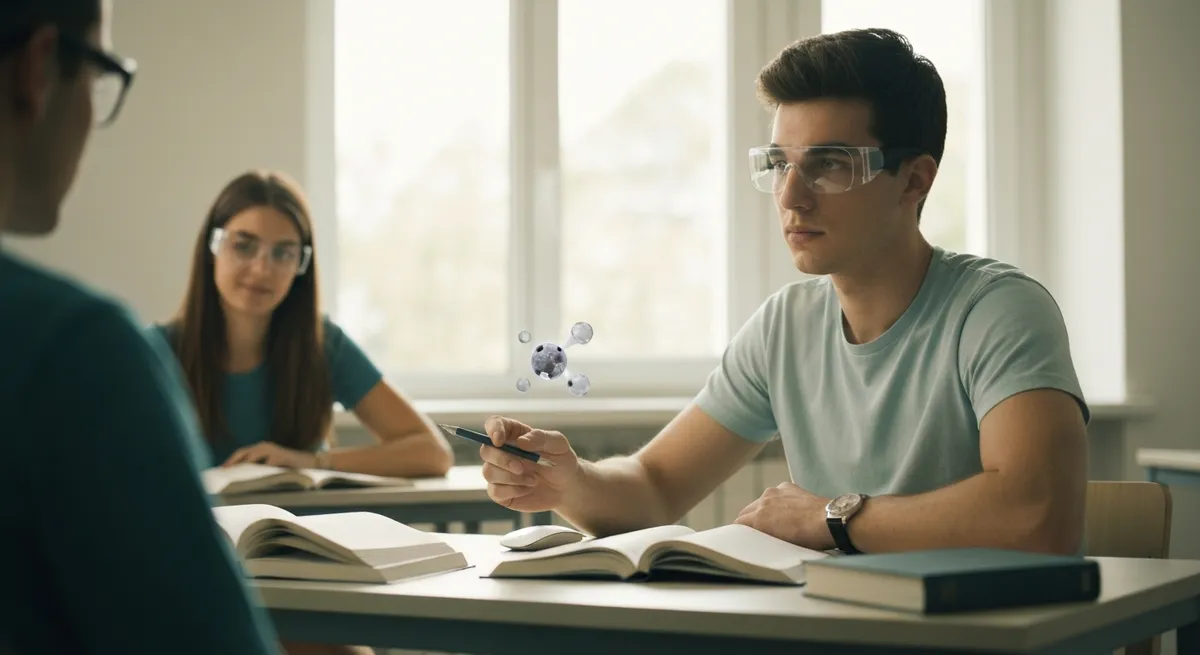
In 2026, studying no longer means just reading and highlighting: it also means seeing, manipulating, and experimenting. Theaugmented realityis becoming a concrete tool for turning abstract concepts into visual and interactive experiences, making studying more effective and memorable. In this scenario,StudierAIfits in as an intelligent support to design animmersive studyand apersonalized learningexperience, combining explanations, exercises, and review based on your goals and the time you have. If you want to understand how to leverage2026 technologieswithout being overwhelmed by apps and notifications, here you’ll find a practical, study-focused guide.
Why augmented reality is changing the way we study in 2026
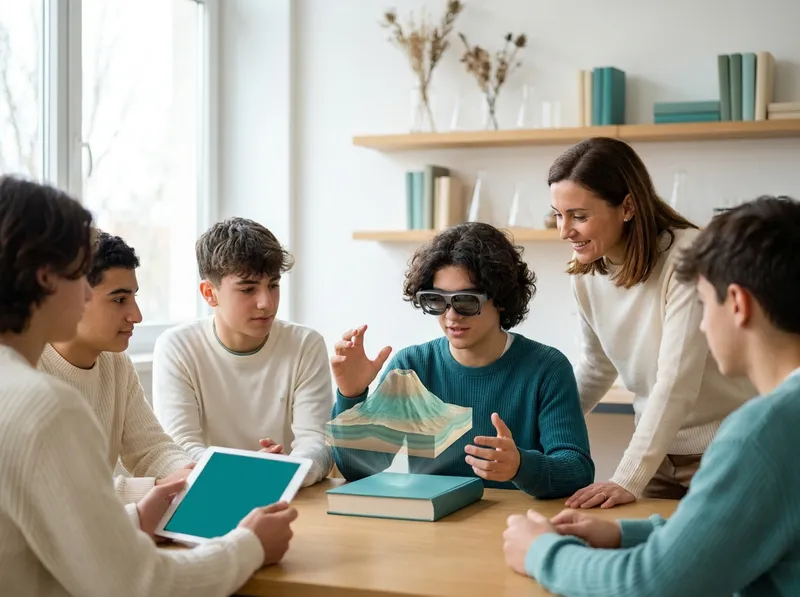
Augmented reality adds digital layers to the real world: 3D models, contextual annotations, simulations, and interactive objects “placed” in your environment. In 2026 this means one simple thing: studying becomes more concrete. When you can rotate a 3D heart, observe the geometry of a structure, or “walk” inside a visualized electric field, your brain connects words, images, and actions more effectively. The result is more stable memory and deeper understanding, especially for complex topics.
Another advantage iscontext: instead of studying isolated concepts, you see them “in situation.” In chemistry you can overlay molecular structures onto lab experiments; in architecture you can assess proportions and volumes directly on a physical model; in economics you can visualize relationships between variables as objects connected in space. Interaction (touching, moving, hiding layers) reduces abstraction and makes it easier to explain to yourself what you’re learning.
Immersive study: AR use cases for high school and university
Immersive study isn’t a “wow effect”: it’s a way to train comprehension and information retrieval. In high school, AR can make clearer the steps that often remain opaque in textbooks: from vector physics to cell biology. At university, where complexity and pace increase, AR becomes an accelerator for connecting theory, practice, and review.
Here are some practical scenarios that in 2026 are increasingly accessible:
- Virtual labs: repeat procedures (titrations, circuits, measurements) safely, with “reversible” mistakes and contextual hints.
- Anatomy and healthcare professions: explore organs and systems in layers, link symptoms to structures, simulate joint movements and basic surgical trajectories.
- Engineering and STEM: visualize forces, constraints, and deformations on 3D models; better understand statics, mechanics of materials, and electromagnetism.
- History and cultural heritage: reconstructions of environments and objects, “spatial” timelines, comparisons between periods and styles directly on maps and places.
- Languages: labeled objects in the environment, situational dialogues, micro-exercises for pronunciation and vocabulary anchored to what you’re looking at.
In all these cases, AR helps at three moments:understanding(grasping how it works),review(quickly revisiting with models and quizzes), andexam preparation(simulating questions and procedures). The important thing is to use it with a clear goal: not “doing AR,” but training a measurable skill.
Personalized learning with AR: from difficulty level to real-time feedback
AR becomes truly powerful when it isn’t the same for everyone. In 2026 the best experiences combine immersive content withpersonalized learninglogic: the system adapts difficulty, pace, and type of support based on what you already know and where you make mistakes.
In practice, this can happen like this: short micro-lessons when you need theory, contextual exercises when you need practice, and “scaffolding” (gradual supports) when you get stuck. If you’re assembling a circuit in AR, for example, the support can move from a general hint (“check the polarity”) to a specific help (“flip this component”), until it disappears when you become fluent. It’s a way to avoid both frustration and the illusion of competence.
The key point isreal-time feedback: AR can tell you immediately whether you’ve positioned an element correctly, whether an answer is consistent with what you’re observing, or whether you’re skipping a step. These quick signals reduce repeated errors and make review more efficient. Also, by recording progress (time, attempts, typical errors) it’s possible to build targeted catch-up paths: not “repeat everything,” but repeat what’s needed.
How StudierAI integrates augmented reality into personalized study
Integrating AR into studying doesn’t mean collecting apps: it means having direction. This is whereStudierAIcomes in, which can help you turn an immersive experience into a complete path: goal, activities, assessment, and consolidation. The idea is to use AR as a “gym” and AI as a “coach,” keeping studying focused and measurable.
Example of a study flow in 2026: you set a goal (e.g., “understand chemical bonds and be able to explain them”), get a short plan with 25–40 minute sessions, then move on to a guided AR exercise. During the activity, you receive step-by-step explanations and check questions (“why is the bond polar here?”). At the end of the session, a summary helps you lock in definitions and steps, and suggests spaced review (spaced repetition) on weak points. If you want to try it, you canstart for freeand build your path based on subject, deadlines, and level.
Another useful aspect is consistency: the same study logic across different subjects. Whether you’re preparing for an oral history test or an anatomy exam, AI can help you maintain routines, priorities, and checks, while AR provides targeted experiences where visualization makes the difference. If you’re interested in the approach and the project’s philosophy, take a look atwho we are.
How to get started: tools, best practices, and limits to know
To begin, you don’t need a futuristic lab. In 2026 you can already do a lot with a smartphone or tablet; AR glasses improve comfort and continuity, but they’re not mandatory. The rule is to choose tools that reduce friction and increase consistency: if a solution is too complex, you’ll use it rarely and poorly. If you want to set up a guided routine, you can alsosign up for freeand start with a simple plan, then add AR where it’s truly needed.
Best practices for studying well with augmented reality:
- Define a goal for each session (e.g., “be able to explain the steps of glycolysis”): AR must serve that, not the other way around.
- Alternate immersion and consolidation: 10–15 minutes of AR + 10 minutes of active summarizing (explaining out loud, flashcards, exercises).
- Reduce distractions: airplane mode or notifications off, a clean study space, one app at a time.
- Manage fatigue: regular breaks, good lighting, correct distance, and stop if headaches or nausea appear.
Finally, some limits to be aware of.Privacy: many AR tools use the camera and sensors, so check permissions and policies, especially in shared environments.Accessibility: not everyone tolerates immersive experiences in the same way; a 2D alternative and traditional materials are needed.Costs: evaluate the balance between benefit and expense (device, subscriptions, content). The best strategy is to use AR for concepts that are “hard to imagine” and keep the rest on lightweight tools. That way you truly take advantage of 2026 technologies without wasting time or energy.
