

Studying today means managing an enormous flow of information, tight deadlines, and subjects that are very different from one another. In this context,StudierAI: how it can help you study better (without replacing you)are not “shortcuts,” but tools to make yourstudy methodIf you want to put these strategies into practice in a single flow,StudierAIcan support you on multiple fronts: creating summaries and outlines from your materials, generating quizzes and flashcards, building study plans with guided reviews and refreshers. The right idea is to use it as an organizational “second brain”: you study, understand, and do exercises; the AI helps you structure, check, and review consistently.
A simple way to start is: upload or paste a chapter, ask for a bullet-point summary, then have it generate 15 flashcards and a 10-question quiz. Finally, schedule two review sessions at 2 and 7 days. If you want to try it right away, you can

AI changes the way you study because it introduces three concrete advantages:Use it responsibly, though: verify definitions and formulas in the textbook, cross-check dates and names with reliable sources, and don’t submit assignments “copied” from AI. A good rule of thumb is this: if you wouldn’t be able to explain out loud what you’re reading, then you haven’t really studied it. When, instead, AI helps you create questions, highlight gaps, and stay consistent, it becomes a powerful ally. If you need it, you cansign up for freeand, whenever you want, take a look atplans and pricingto choose the solution best suited to your needs.. Personalization means getting explanations and exercises calibrated to your level (beginner, intermediate, advanced), instead of wasting time on parts you already know. Fast feedback lets you correct mistakes and gaps right away: you don’t wait for an oral exam or a test to find out what you didn’t understand. Finally, organization: AI can help you turn a long syllabus into a sustainable plan, with clear priorities and reviews spaced over time.
That said, AI isn’t infallible. It can oversimplify, get details wrong, or “make up” information if you ask it for answers without context. The best practice is to use AI as atutor, not as a substitute: you remain responsible for verifying with the textbook, handouts, and official sources. If you apply this rule, AI study techniques become an accelerator for your study method, not a risky shortcut.
AI study techniques: summaries, concept maps, and tailored explanations
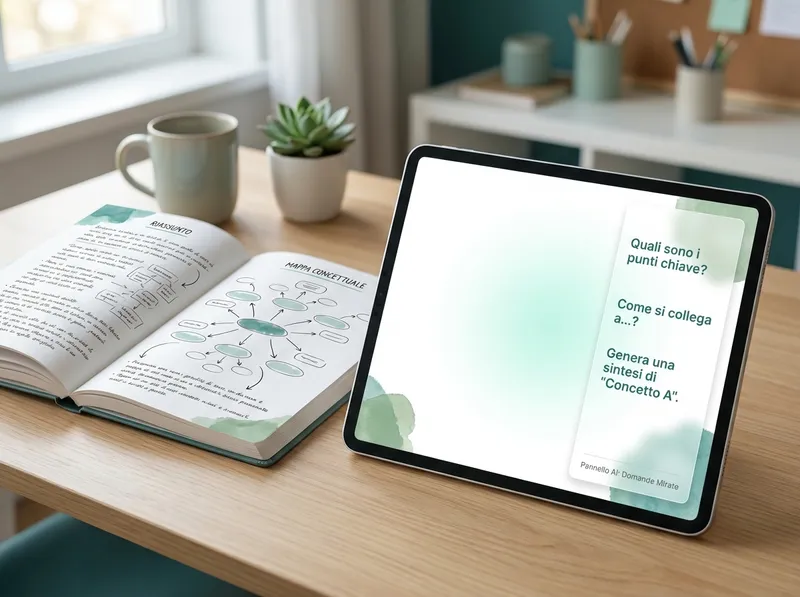
One of the most useful ways to study with artificial intelligence is to turn raw material (notes, chapters, slides) into more “study-friendly” formats. For example, you can ask AI to create: a short summary for quick review, a hierarchical outline to see the structure, and a concept map with links between concepts. The point isn’t to have a shorter text: it’s to get arepresentationthat helps you understand and remember.
Practical example: instead of saying “summarize the chapter,” try a more guided request: “Summarize in 12 lines, then create 6 key points, and finally 3 exam questions with short answers.” This way you get material ready for review and self-checking. Even better: ask for tailored explanations, like “Explain this paragraph as if I were 14” or “Explain it with a concrete example and a counterexample.” Adaptive explanations are one of the most powerful AI study techniques because they help you get past comprehension blocks without wasting half an hour on a single concept.
To make everything more effective, use targeted questions (prompts) that force the AI to be precise. Some useful examples:
- “Identify the fundamental definitions and rewrite them simply, without losing accuracy.”
- “Create a concept map in textual form: main nodes, sub-nodes, and ‘cause/effect’ links.”
- “Ask me 5 questions of increasing difficulty and tell me why each answer is correct.”
Memorizing better with AI: flashcards, spaced repetition, and quizzes

Understanding is essential, but without stable memory you risk “knowing today and forgetting tomorrow.” Here AI can help you create review materials in just a few minutes:flashcards, quizzes, and oral-exam simulations. The trick is to generate questions that cover definitions, examples, connections, and applications (not just “learn by heart”).
Spaced repetition (spaced repetition) works because it makes you review just before you forget. AI can suggest when to repeat and which cards to review based on your mistakes. A simple approach: after each session, note what you got wrong and ask AI to generate a “recovery pack” with 10 targeted flashcards only on the mistakes. That way the review isn’t generic: it’s strategic.
To prepare for tests and exams, alternate three modes: (1) flashcards for quick recall, (2) multiple-choice quizzes for recognition, (3) open-ended questions for reworking. If you study with artificial intelligence, also ask for a reasoned correction: it’s not enough to know you got it wrong, you need to understandwhyyou got it wrong and how to avoid the same mistake.
Planning and productivity: creating a smart study plan with AI
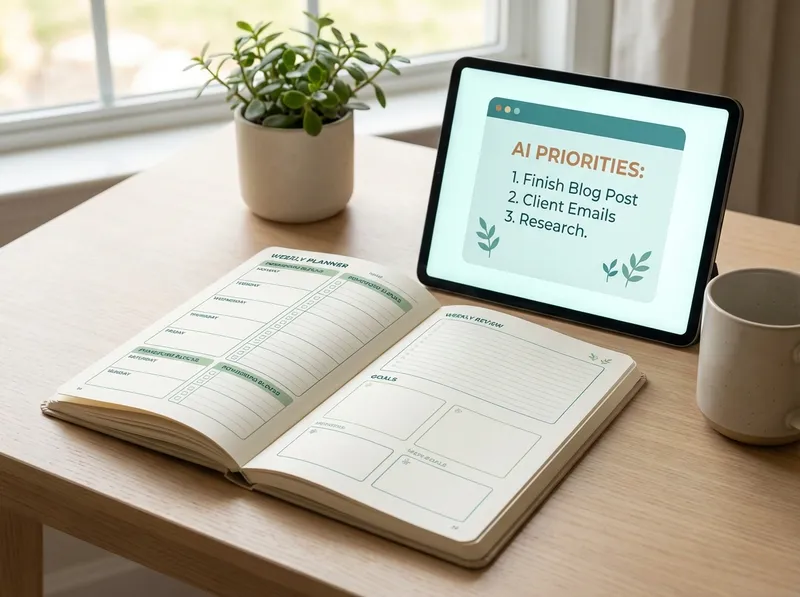
A good study method isn’t only “how” you study, but also “when” and “how much.” AI is useful because it helps you estimate realistic times and build a sustainable routine. In practice, you can start from three pieces of information: exam/test date, topics to cover, available time (hours per day and days per week). From there, ask AI to: break the syllabus into small units, assign priorities (difficulty and weight in grading), and insert reviews and simulations.
To avoid procrastination and overload, combine planning and micro-habits:Pomodorosessions (25 minutes study + 5 break), a daily minimum goal (e.g., “2 Pomodoros even on busy days”), and a weekly review to adjust the plan. AI can also suggest a “plan B” if you miss a day: instead of piling up backlog, redistribute intelligently. This is one of the most concrete advantages of AI study techniques: making the study methodadaptive, not rigid.
StudierAI: how it can help you study better (without replacing you)

If you want to put these strategies into practice in a single flow,StudierAIcan support you on multiple fronts: creating summaries and outlines from your materials, generating quizzes and flashcards, building study plans with guided reviews and refreshers. The right idea is to use it as an organizational “second brain”: you study, understand, and do exercises; the AI helps you structure, check, and review consistently.
A simple way to start is: upload or paste a chapter, ask for a bullet-point summary, then have it generate 15 flashcards and a 10-question quiz. Finally, schedule two review sessions at 2 and 7 days. If you want to try it right away, you canstart for freeand build your study method step by step.
Use it responsibly, though: verify definitions and formulas in the textbook, cross-check dates and names with reliable sources, and don’t submit assignments “copied” from AI. A good rule of thumb is this: if you wouldn’t be able to explain out loud what you’re reading, then you haven’t really studied it. When, instead, AI helps you create questions, highlight gaps, and stay consistent, it becomes a powerful ally. If you need it, you cansign up for freeand, whenever you want, take a look atplans and pricingto choose the solution best suited to your needs.
In summary: AI study techniques work when they improve your study method, not when they replace it. Use AI to understand faster, review better, and plan clearly; then put the “human” work where it really matters: exercises, reworking, connections, and consistent practice.
