

School is undergoing a profound transformation: not because “technology” is a fad, but because students’ needs, languages, attention spans, and the skills required are changing. In this scenario,digital teachingcan become a concrete ally for teachers: it simplifies organization, makes assessment more transparent, and supports inclusion and personalization. But it truly works only when tools are chosen thoughtfully and integrated into solid, sustainable instructional planning aligned with learning objectives.
Why digital teaching is changing school (and what teachers really need)
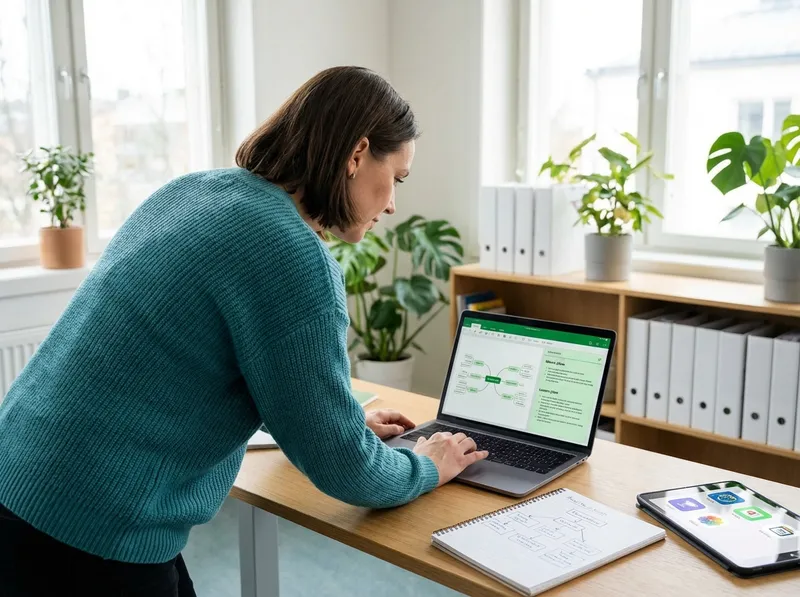
In the classroom, innovation doesn’t coincide with the latest “trendy” tool. Teachers are mainly looking for three things:time,clarityandcontinuity. Time to plan and grade, clarity in communication with students and families, continuity between in-person lessons and at-home activities. Educational technology is at its best when it reduces operational workload and increases the quality of interactions: clearer instructions, more timely feedback, materials always accessible, and a traceable record of the work done.
A practical criterion for distinguishing between novelty and usefulness is to ask yourself: does this tool help meplan,manageorassessbetter, without adding complexity? If the answer is yes, then it’s a tool for teachers, not just a gadget. In other words,educational technologyshould be invisible: you notice the learning, not the special effect.
Platforms and learning environments: LMSs, virtual classrooms, and materials management
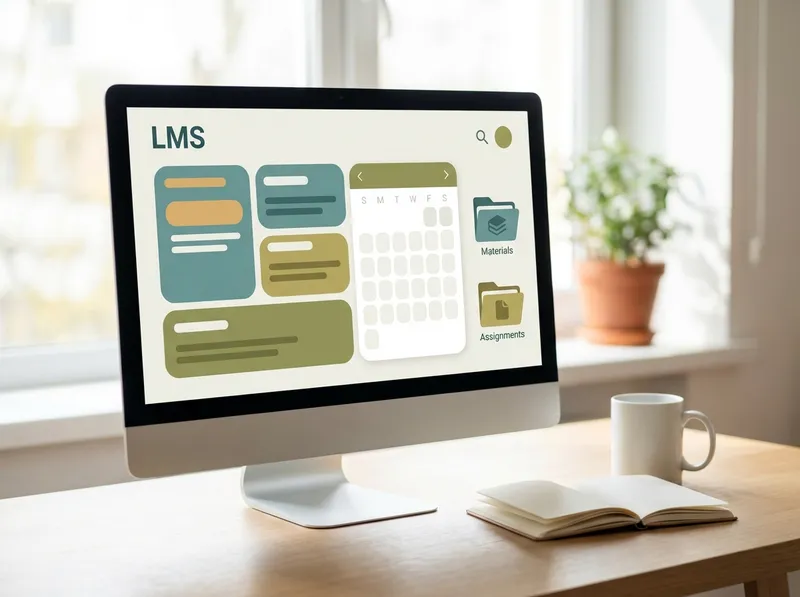
An LMS (Learning Management System) or a virtual classroom is the “home” of digital teaching: it brings together materials, assignments, communications, and assessments. The choice depends not only on features, but on sustainability: better a few well-used functions than a fragmented ecosystem of apps. A good learning environment lets you organize by units or modules, reuse resources, schedule deadlines, and keep a clear history of what has been assigned and returned.
For effective use, it’s worth setting a few operating rules: a consistent structure (same labels and folders), assignments with explicit criteria, distinct communication channels (announcements vs. discussions), and weekly routines. This way students know where to find everything and the teacher reduces repeated questions and scatter. Materials management improves too: updated versions, access from home, and the ability to offer differentiated resources without “stigmatizing” those with different needs.
- Choose a single main platform and integrate only what you truly need (reduce steps).
- Create reusable templates: standard assignments, rubrics, checklists, and calendars.
- Define response times and channels: it reduces anxiety and improves the quality of requests.
Real-time assessment and feedback: quizzes, digital rubrics, and data analysis
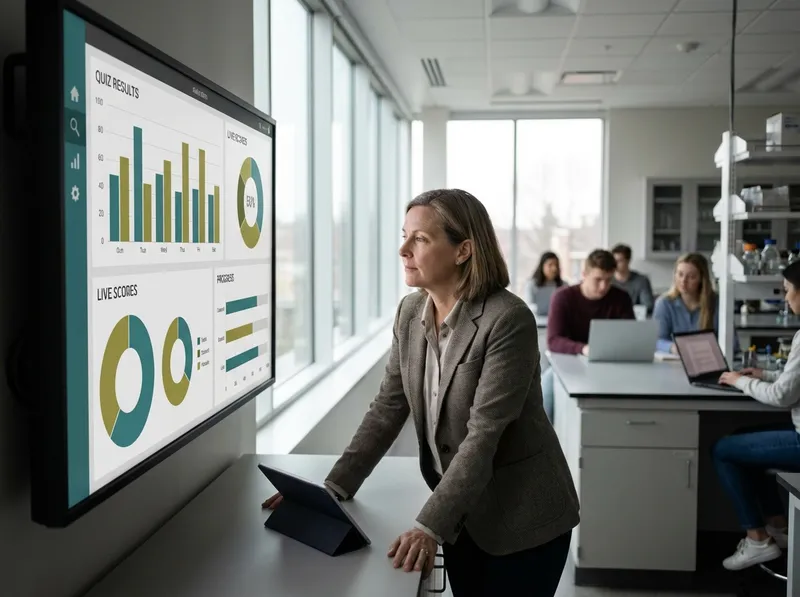
Digital assessment isn’t just “doing online tests.” The real leap forward isformative assessment: frequent micro-checks, rapid feedback, and the chance to adjust course before the summative test. Real-time quizzes and polls help you immediately see who has understood and who hasn’t, without waiting to grade a traditional assignment. What’s more, they lower the barrier to entry: the student tries, makes mistakes, tries again, and the error becomes useful information.
Digital rubrics are another cornerstone: they make criteria transparent, speed up grading, and improve consistency among teachers (useful in departments). If integrated with targeted comments, they enable feedback that is more “instructional” than judgmental. Finally, data analysis (even simple) offers valuable indications: which questions caused the most difficulty? Which objectives seem fragile? Who shows steady improvement? This doesn’t replace instructional observation, but supports it with evidence.
To keep assessment sustainable, it helps to alternate tools: auto-graded quizzes for quick checks, authentic tasks for complex competencies, and rubrics to make quality explicit. The goal isn’t to “measure everything,” but to gather information useful forpersonalizing instructionand communicating progress and next steps.
Content creation and interactive lessons: video, presentations, gamification, and inclusion

Creating effective digital content means focusing on clarity and interaction, not complexity. Short videos (5–8 minutes) with explicit objectives, streamlined presentations, and immediate retrieval activities can increase attention and understanding. Gamification, if used in moderation, supports motivation: levels, badges, or cooperative challenges work best when they reward the process (effort, strategies, collaboration) as well as the result.
One often decisive aspect is inclusion. Indigital teaching, accessibility isn’t an “extra”: it’s smart design. Thinking in UDL (Universal Design for Learning) terms helps offer multiple means of access (text, audio, images), expression (written, oral, multimedia tasks), and engagement (choices, clear goals, feedback). For SLD/SEN, small adjustments make a big difference: readable fonts, spacing, segmented instructions, maps and glossaries, flexible timing, assessment consistent with the planned accommodations.
In practice, the best tools are those that allow you to: embed questions inside a video, turn a presentation into an interactive pathway, offer materials with graduated difficulty, and collect evidence of learning without multiplying files and versions. Hereeducational technologybecomes a multiplier of good practices: it makes it easier to do what makes pedagogical sense.
How StudierAI can support instructional planning: ideas, materials, and personalization

Among the most usefulteacher toolstoday are those that help you plan better, not just “digitize” what we already do.StudierAIcan support the preparation of units and lessons by offering prompts, structures, and materials adaptable to the classroom context. The value lies in speeding up repetitive phases (drafts, variants, exercises) while leaving the teacher in the director’s seat: objectives, methods, criteria, and inclusive choices remain under pedagogical control.
Examples of instructional use: generating exercises with increasing difficulty on the same objective, creating simplified or enriched versions of a text, proposing questions for guided discussions, building rubrics consistent with competencies and descriptors, or preparing short formative checks with immediate feedback. From an inclusion perspective, it can help produce materials with clearer language, segmented instructions, and alternative output options (oral/written/multimedia), in line with UDL.
If you want to experiment gradually, you canstart for freeand test a simple flow: lesson objectives → activity → quick check → level-based adaptations. When you need to scale (more classes, more materials, more personalization), you can evaluateplans and pricingbased on your needs. The important thing is to keep one guiding principle: technology must reduce friction and increase instructional intentionality, not add noise.
In summary, modern teaching doesn’t require “more digital,” butbetter digital: platforms that organize, tools that make learning visible, assessments that guide choices, and content accessible to everyone. With an essential selection and thoughtful planning, educational technology can become real support for teachers’ daily work and for students’ educational success.
