

Digital teaching is no longer an “extra”: it has become a structural component of school, because it responds to concrete needs for organization, inclusion, and learning monitoring. For teachers, however, educational technology only makes sense if it reduces complexity and workload, without sacrificing the quality of the educational relationship. In this article you’ll find an overview of teacher tools and operational practices to choose and use truly sustainable solutions.
Why digital teaching is changing school (and what teachers really need)

The push toward digital teaching comes from three factors: increasingly heterogeneous classes, the need to track processes and results, and the expectations of students accustomed to multimedia languages. The point is not to “digitize everything,” but to choose tools that support everyday priorities: clear instructions, easily accessible materials, timely feedback, and customizable pathways.
When evaluating teacher tools and educational technology platforms, it’s best to start with simple but decisive criteria:
- Sustainability: few tools, integrated with each other, with reduced start-up and management time.
- Inclusion: options for accessibility, differentiation, and support for SEN/SLD (readable fonts, subtitles, extended time, alternatives to text).
- Privacy and compliance: minimized data, clear roles, transparent settings, attention to where content and accounts are stored.
- Educational value: the tool must make it easier to design activities consistent with objectives and competencies, not just “do cute things.”
In practice, a good strategy is to build an essential ecosystem: a learning environment for management (LMS), 2–3 tools for interaction/formative assessment, and a lightweight set for creating content. The rest is added only if it solves a real problem.
Platforms and learning environments: LMS, virtual classrooms, and content management
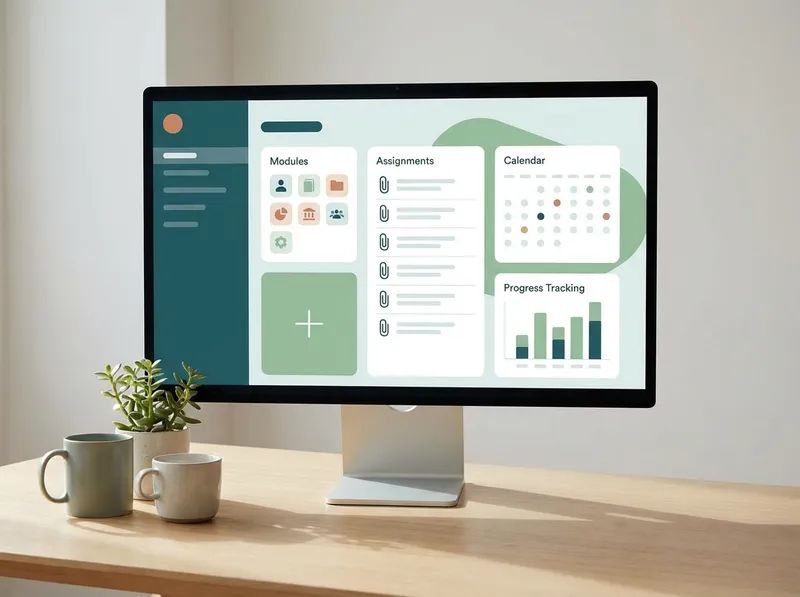
An LMS (Learning Management System) or a virtual classroom is the “backbone” of digital teaching: it centralizes materials, assignments, communications and, when provided, activity tracking. The main advantage isorganizational consistency: students and families know where to find everything, and the teacher avoids scattering things across chats, emails, and scattered files.
A practical workflow, replicable in almost any subject, can be this:
- Weekly module: objectives, essential materials (max 3 resources), activities, and assessment criteria.
- Single assignment: one task with clear instructions, rubrics or checklists, and a deadline visible in the calendar.
- Quick feedback: brief comments, annotations on student work, and a moment of feedback in class (even 10 minutes).
- Minimal tracking: check who has submitted, who is late, and which errors recur, to adapt the next lesson.
The key is to avoid turning the LMS into an endless archive: better a few well-curated, always up-to-date contents. In educational technology, simplicity is often the real multiplier of effectiveness.
Innovative tools for engagement and assessment: interactivity, gamification, and real-time feedback
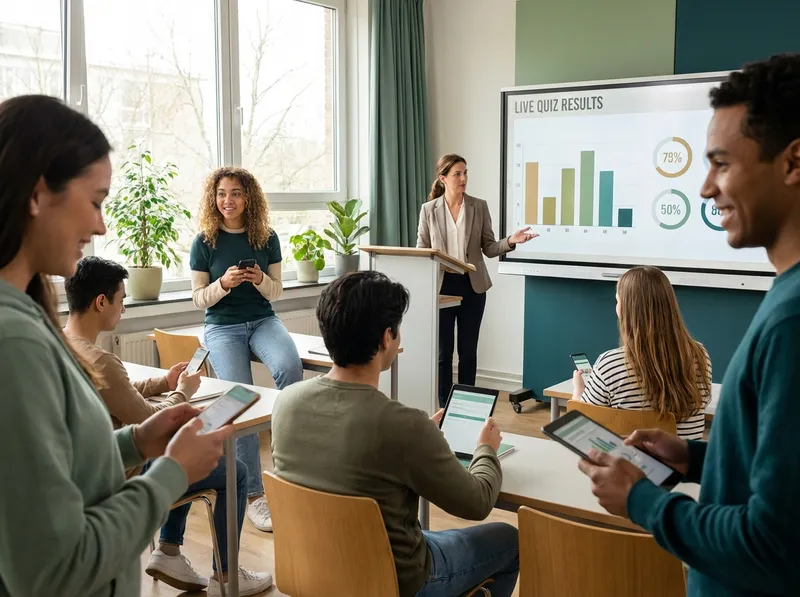
To increase participation and attention, “lightweight” tools that create frequent moments of interaction work well: quick quizzes, polls, word clouds, collaborative boards, exit tickets. The goal is not to entertain, but to make students’ thinking visible and collect evidence useful for formative assessment.
An effective (and sustainable) routine can be:
- Lesson start: 1 diagnostic question to activate prerequisites and identify misconceptions.
- During: micro-check every 10–15 minutes (poll or 3-item quiz) to adjust pace and explanations.
- Closing: exit ticket with 1 key concept + 1 doubt; useful for planning the next lesson.
For assessment, it is useful to distinguish between:measuring competencies(rubrics, authentic tasks, structured tests) andmeasuring motivation and engagement(frequency of participation, quality of contributions, progress over time). Dashboards help, but must be read with caution: data are indicators, not judgments.
Content creation and accessibility: video lessons, multimedia resources, and UDL
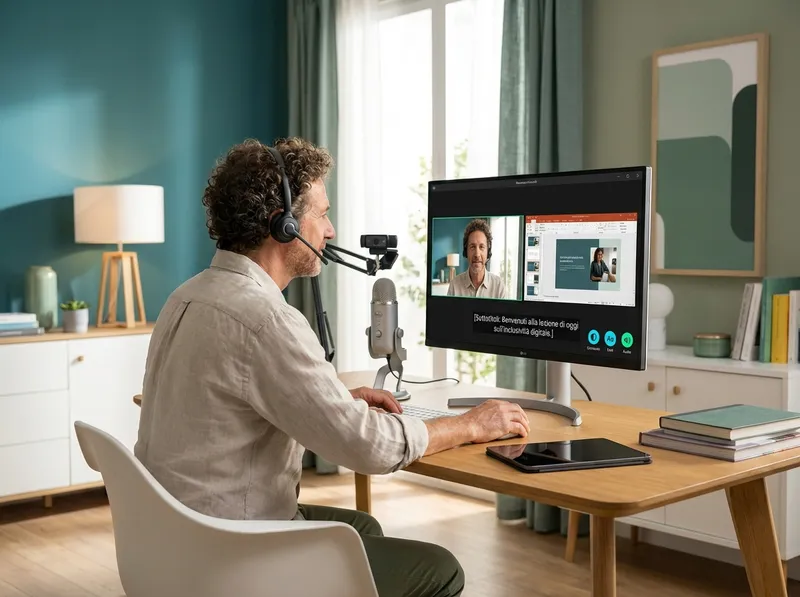
Creating digital content does not mean producing hours of video. Often micro-lessons (3–7 minutes), guided worksheets, concept maps, and interactive resources are enough. A useful reference is UDL (Universal Design for Learning): offeringmultiple ways of accessingcontent and multiple ways to express what has been learned.
Three high-impact measures, which also reduce workload in the long run:
- Subtitles and transcripts: improve comprehension, support SLD, and make review easier.
- Modular structure: reuse templates (slides, rubrics, worksheets) and update only examples and instructions.
- “Controlled choice” differentiation: offer 2–3 activity options with the same objective (text, audio, presentation, map).
Good digital content is what integrates into the lesson, not what replaces it. If the material is accessible and well organized in the LMS, students become more autonomous and class time can focus on practice, discussion, and targeted remediation.
How StudierAI can help: instructional design, personalization, and time savings
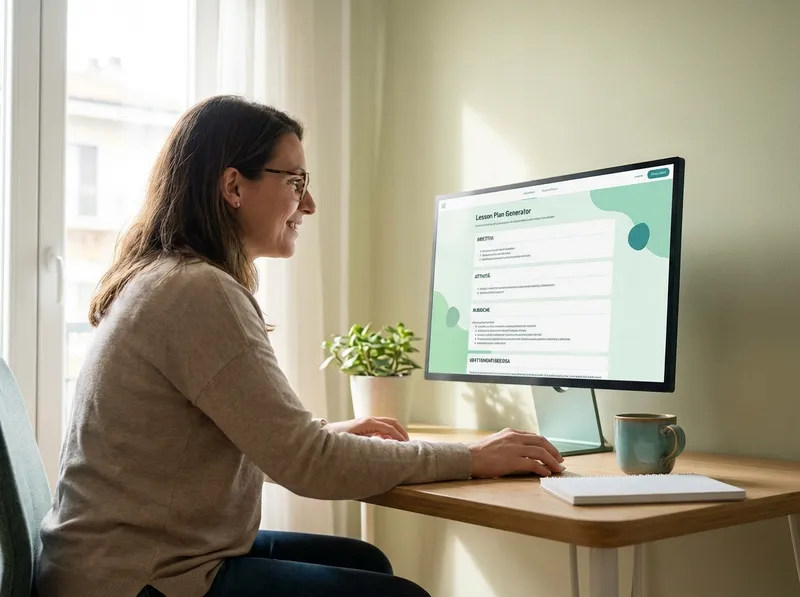
When digital teaching grows, “invisible” work grows too: designing coherent units, preparing tests, building rubrics, adapting materials for SEN/SLD, differentiating activities. In this scenario,StudierAIcan become an operational ally: it helps turn objectives and competencies into concrete digital activities, maintaining a clear instructional line and reducing preparation time.
Here are some high-impact uses for teachers:
- Learning unit design: lesson sequences with prerequisites, objectives, activities, timing, and assessment criteria.
- Tests and assessment: generating tests with difficulty levels, grids, and rubrics consistent with competencies and indicators.
- Personalization: adaptations for SEN/SLD (language simplification, step-by-step instructions, suggested time and compensatory tools).
- Ready-to-use digital activities: quizzes, guiding questions, authentic tasks, and prompts for collaborative boards, aligned with objectives.
If you want to try it in a practical way, you canstart for freeand evaluate how to integrate AI into your planning routine without overturning the tools already in use. When you need more advanced features or ongoing use, you’ll find the details onplans and pricing.
In summary: educational technology works when it serves clear instructional design. With a well-organized LMS, interaction tools for formative assessment, and accessible content with a UDL approach, digital teaching becomes more effective and inclusive. Innovation, for teachers, is not having more apps: it is havingbetter processes, replicable and sustainable over time.
