TheFeedback: turning rough notes into clear, actionable comments, linked to a rubric and next steps.is no longer an “extra”: it’s a set of practices and tools that, if chosen thoughtfully, make teaching more effective, inclusive, and sustainable. For teachers, the challenge isn’t adopting “the latest app,” but building an ecosystem ofIf you want to experiment in a lightweight way, you canstart for free
transparency
For more structured planning at the department or school level, also consider the
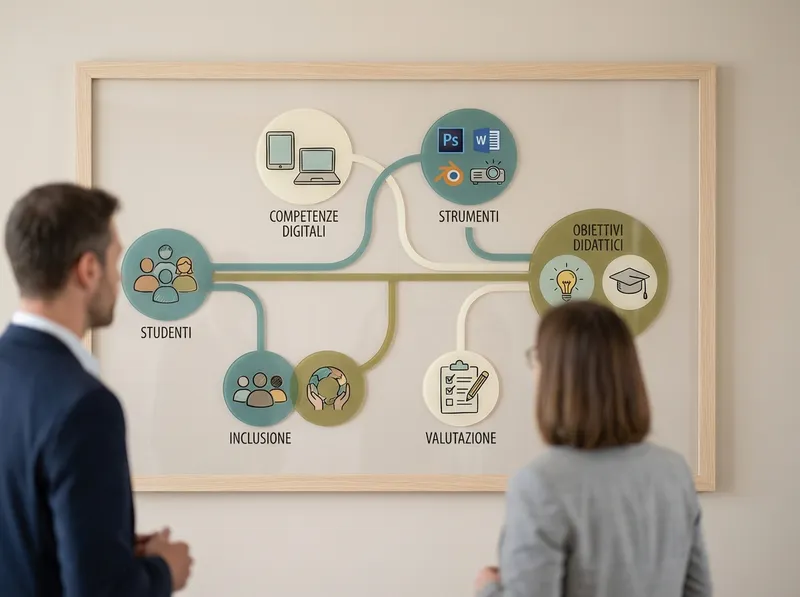
based on number of classes, sharing needs, and support. In any case, privacy and data management remain top priorities: avoid entering sensitive student information and prefer anonymized prompts and materials.what evidence of learning do I want to collect?Best practices, accessibility, and safety: integrating technology without making things more complicatedgoals → activities → assessment → tools. This way, educational technology stays in service of teaching, not the other way around.
Platforms and learning environments: LMSs, virtual classrooms, and content management
Accessibility: use readable fonts, good contrast, hierarchical headings; add subtitles to videos and descriptions to images when possible.
Security and data: minimize the data collected, avoid unnecessary accounts, check sharing and retention settings; comply with school policies.
- Netiquette: set rules for chats and forums (turn-taking, quoting, language), and model the feedback style yourself first.
- Workload: standardize templates (assignments, rubrics, slides), reuse activities, and limit the number of tools per teaching unit.
- Effectiveness evaluation: measure what matters (quality of products, progress, participation) and gather quick feedback from students to iterate.
- In short, digital teaching is truly innovative when it simplifies processes and makes learning visible. Choose a few tools, use them consistently, always align goals and assessment, and treat accessibility and safety as an integral part of design. That way, educational technology becomes a stable support, not an additional source of complexity.
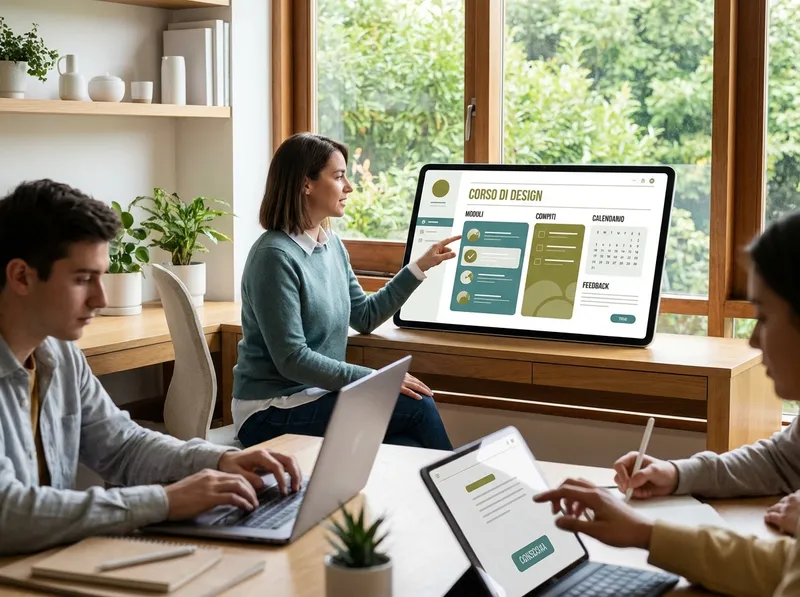
Virtual classrooms are useful even in face-to-face settings: they’re used for catch-up work, differentiated materials, homework, and documenting the learning journey. The goal isn’t to “digitize everything,” but to make the teaching cycle smoother: assign, monitor, give feedback, improve.
Tools for active lessons: collaboration, interactivity, and formative assessment

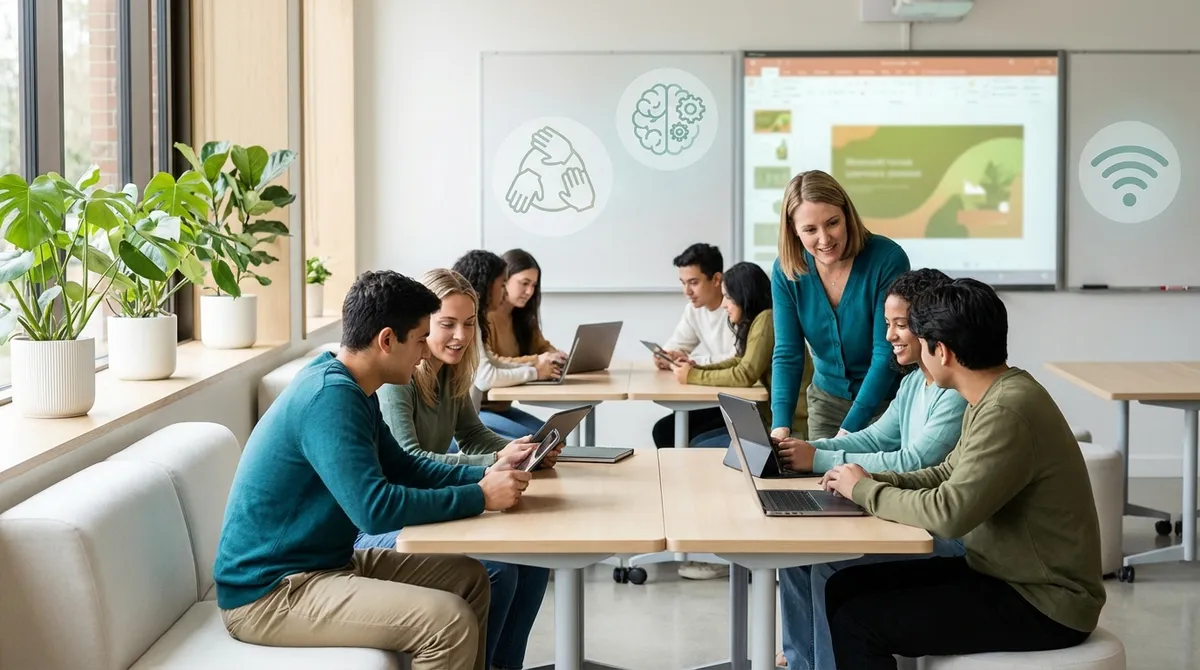
Active lessons work when studentsproduce, discuss, and receive feedback during the process, not only at the end. This is where teacher tools for collaboration and interactivity come in: digital boards for brainstorming, shared documents for writing and problem solving, live quizzes for quick checks, polls to surface prior knowledge and doubts.
A simple sequence (replicable in any subject) is: 1) activation with a poll, 2) group work on a board or document, 3) guided sharing, 4) a quick check micro-quiz, 5) an exit ticket with a metacognitive question. The key isformative assessment: little data, but collected often, to decide what to revisit and how to differentiate.
To avoid wasting energy, decide in advance what to observe: participation, accuracy, strategy, quality of argumentation. Rubrics (even lean, 3-level ones) help make assessment transparent and provide consistent feedback. In addition, annotation and commenting tools make it possible to return targeted guidance without rewriting the same corrections every time.
AI and personalization: how StudierAI can support teachers and students

AI can become a concrete ally in digital teaching when it’s used topersonalizeand reduce preparation time, while keeping the teacher at the center of decisions.StudierAIcan support different moments of teaching work, from planning through feedback, with an approach focused on clarity and practicality.
Here are some practical use cases (always with teacher review):
- Unit and lesson planning: generating outlines, timing, materials, and guiding questions aligned with goals and competencies.
- Differentiation: creating variants of the same task (basic, intermediate, advanced) and supports (glossaries, maps, worked examples).
- Exercises and tests: proposing items consistent with the content, with difficulty levels and explicit grading criteria.
- Alternative explanations: rewriting a concept with different examples, analogies, or in simpler language for specific needs.
- Feedback: turning rough notes into clear, actionable comments, linked to a rubric and next steps.
If you want to experiment in a lightweight way, you canstart for freeand test a workflow: lesson objective → activities → check questions → short rubric. The important thing is to maintaintransparencywith the class: clarify when and how AI is used, and always verify the accuracy of the content.
For more structured planning at the department or school level, also consider theplans and pricingbased on number of classes, sharing needs, and support. In any case, privacy and data management remain top priorities: avoid entering sensitive student information and prefer anonymized prompts and materials.
Best practices, accessibility, and safety: integrating technology without making things more complicated

Integrating teacher tools effectively means reducing friction and increasing access. A useful reference is UDL (Universal Design for Learning): offering multiple means of representation, action/expression, and engagement. In practice: readable materials, clear instructions, alternatives for those with specific needs, and opportunities to demonstrate competencies in different ways (text, audio, presentation, product).
Operational guidelines to avoid complicating things:
- Accessibility: use readable fonts, good contrast, hierarchical headings; add subtitles to videos and descriptions to images when possible.
- Security and data: minimize the data collected, avoid unnecessary accounts, check sharing and retention settings; comply with school policies.
- Netiquette: set rules for chats and forums (turn-taking, quoting, language), and model the feedback style yourself first.
- Workload: standardize templates (assignments, rubrics, slides), reuse activities, and limit the number of tools per teaching unit.
- Effectiveness evaluation: measure what matters (quality of products, progress, participation) and gather quick feedback from students to iterate.
In short, digital teaching is truly innovative when it simplifies processes and makes learning visible. Choose a few tools, use them consistently, always align goals and assessment, and treat accessibility and safety as an integral part of design. That way, educational technology becomes a stable support, not an additional source of complexity.
