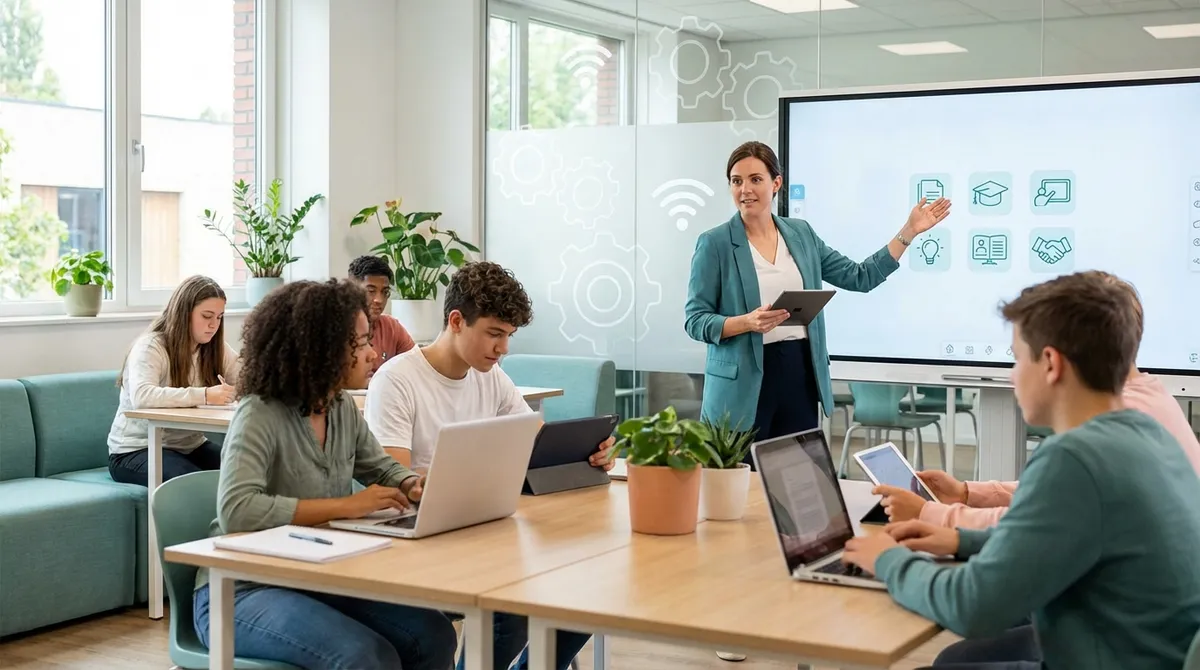
School is going through an acceleration: not because “technology” is a fad, but becausedigital teachingallows us to better organize learning pathways, increase participation, and make some repetitive activities more sustainable. For teachers, however, the challenge is real: choosing tools that truly improve learning without increasing workload. In this article you’ll find practical criteria and an overview ofeducational technologythat is useful and replicable, with examples of workflows and attention to inclusion and accessibility.
Why digital teaching is changing school (and what teachers really need)

Digital transformation doesn’t coincide with adopting the latest “viral” app. School changes when tools support intentional teaching choices: clear objectives, continuity between lesson and study, timely feedback, and accessible materials. In practice,educational technologyworks when it reduces friction (content distribution, assignment collection, monitoring) and frees up time for the educational relationship.
To tell novelty from usefulness, a simple criteria grid can help, designed forteacher tools: instructional effectiveness, inclusivity, organizational sustainability, and data protection. A good tool is one that fits into the way you work and doesn’t force you to “start from scratch” every time.
- Ask yourself what problem it solves: organization, motivation, assessment, inclusion, or communication.
- Check accessibility: subtitles, readability, mobile compatibility, text alternatives, and ease of use for SEN/SLD.
- Check privacy and compliance: where does the data end up? who manages it? for how long?
- Prefer tools that export and reuse content (PDF, links, repositories, standard formats) to avoid lock-in.
Platforms and learning environments: LMS, virtual classrooms, and content management
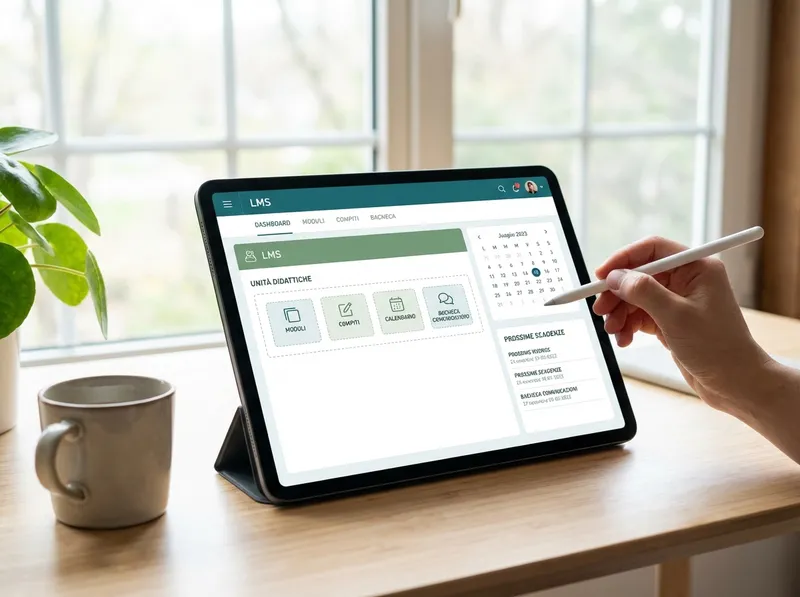
An LMS (Learning Management System) or a virtual classroom becomes the “single hub” for materials, submissions, communications, and tracking. The advantage isn’t only logistical: when students and families know where to find everything, interruptions decrease and autonomy increases.digital teachingworks best when the platform reflects a coherent structure (units, objectives, materials, activities, criteria).
Here’s a replicable workflow, independent of the specific tool (LMS, collaborative suites, electronic gradebook):
- Create a section for each unit: objectives, prerequisites, timing, assessment criteria.
- Upload materials in three formats: concise text, a visual resource (slides/infographic), a guided activity (worksheet or assignment).
- Schedule deadlines and use a single channel for communications (bulletin board or stream) with clear rules.
- Collect assignments the same way every time (form, file upload, link) and define file-naming standards.
One last tip: avoid the “maze effect.” Better a few integrated tools than many disconnected platforms. For students, simplicity is an equity factor: it reduces technological and cognitive barriers, especially in situations of limited connectivity.
Real-time assessment and feedback: interactive quizzes, digital rubrics, and data analysis
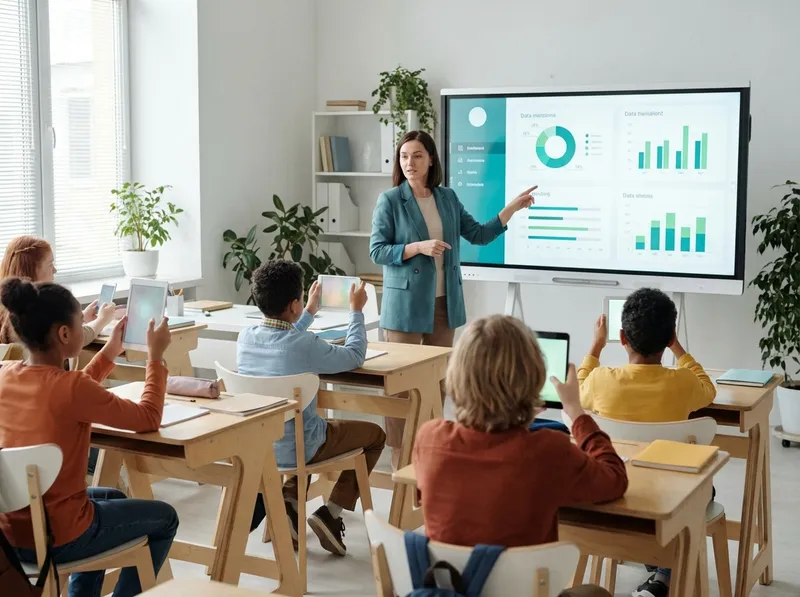
Digital assessment is at its best when it focuses onfeedback, not just the grade. Interactive quizzes and quick polls enable formative checks during the lesson: in a few minutes you understand what has been grasped and what needs revisiting. This reduces “after-the-fact” marking and makes remediation more targeted.
Digital rubrics help make criteria transparent and speed up return feedback. A good model includes: observable descriptors, clear levels, examples of evidence, and space for a brief improvement-oriented comment. Looking ahead, even simple indicators (on-time submission, revisions, attempts) become a useful form oflearning analytics: not to “surveil,” but to identify who needs support and when.
To make data actionable, try this micro-process: 1) a diagnostic question at the start of the unit, 2) short weekly checkpoints, 3) a final authentic task, 4) a recovery plan with targeted activities (not “repeat everything”). With a few steps, assessment becomes part of teaching, not a separate moment.
Content creation and active methodologies: video, podcasts, AR/VR, and gamification
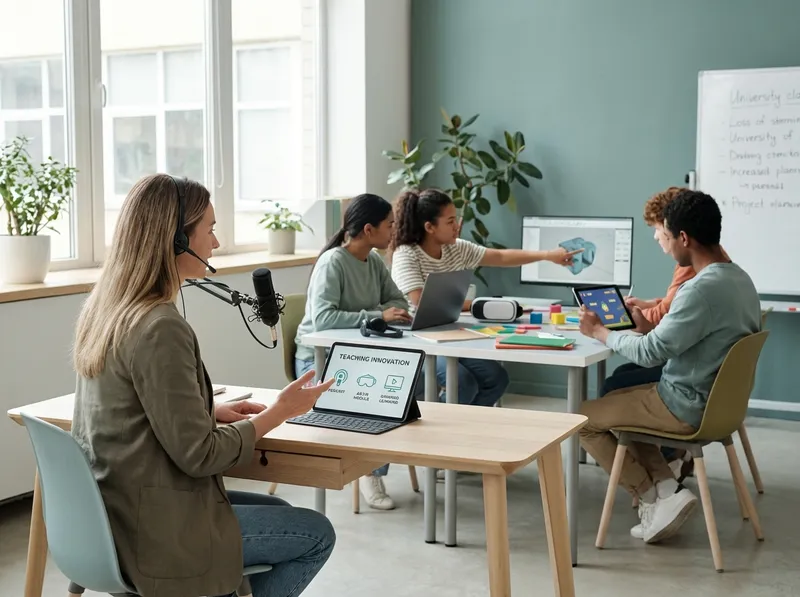
Creating content doesn’t mean producing “more material,” but better, reusable resources. A short video (3–7 minutes) or a lean podcast can support the flipped classroom: the student learns the basic concepts at home and in class you work on exercises, discussions, and authentic tasks. From a PBL (Project Based Learning) perspective, digital tools for maps, boards, and collaborative documents help manage roles, sources, and deliverables.
AR/VR and simulations can be powerful, but they must be used thoughtfully: choose experiences that clarify difficult concepts (scale, space, processes) and always provide an equivalent alternative for those who can’t use them. Gamification works when it rewards progress and mastery, not just speed: levels, badges, and missions can sustain engagement, especially when tied to clear goals.
Two cross-cutting considerations improve content quality:accessibility(subtitles, contrast, readable fonts, descriptions) andcognitive load(one idea per screen, progressive examples, short timings, explicit instructions). This way technology doesn’t just “decorate,” but makes what you already teach more understandable and inclusive.
AI and automation for teachers: how StudierAI can support planning, differentiation, and inclusion

AI, when used well, doesn’t replace teacher professionalism: it amplifies it. The point isn’t “having the machine write everything,” but automating repetitive parts and getting quality drafts to refine. In this sense,StudierAIcan become an ally for planning lessons, creating differentiated materials, and improving coherence between objectives, activities, and assessment.
Concrete use cases in the classroom (and in the “behind-the-scenes” work):
- Rapid planning: generate a draft UDA with objectives, prerequisites, timing, activities, and success criteria, to adapt to the real context of the class.
- Differentiation: create three versions of the same assignment (basic, standard, advanced) while keeping objectives unchanged, with supports for SEN/SLD (scaffolds, maps, glossaries).
- Assessment: generate rubrics and grids aligned with the assignment, with observable descriptors and space for improvement-oriented feedback.
- Communication: prepare clear messages for students and families (deadlines, criteria, recovery), with an inclusive tone and step-by-step instructions.
If you want to experiment in a concrete way, you canstart for freeand test a simple flow: you upload objectives and constraints (time, class, needs), get a draft, then refine it with your experience. AI speeds up the first draft; the final quality remains in your choices.
Responsible use also meanstransparency(explaining to students when and how AI is used),privacy(avoiding unnecessary personal data) and source checking. Consider AI as a “co-designer” that proposes, while you validate, contextualize, and take instructional responsibility. If you need to understand which solution to adopt over time, also consult theplans and pricingbased on the needs of your institution or your team.
In summary: modern teaching doesn’t require “more technology,” but better choices. Start from real needs, adopt a few coherent tools, measure effectiveness with feedback and data, and use AI to save time and raise quality. That way educational technology becomes concrete support for your work, not an added complexity.
